
 Try Android free for 30 days
 Try Windows free for 30 days
Home screen with folders, search, and quick access.
One-time vault. No cloud account.
Your data stays here.
PIMME keeps notes, passwords, IDs, and cards in an encrypted vault on your device. It includes a decoy vault, locks itself, and syncs with Windows and Android over your own Wi-Fi. Pay once.


No cloudAuto lockoutLocal SyncSecure backupsDecoy vaultOne-time price
Screenshots
Screenshot gallery.
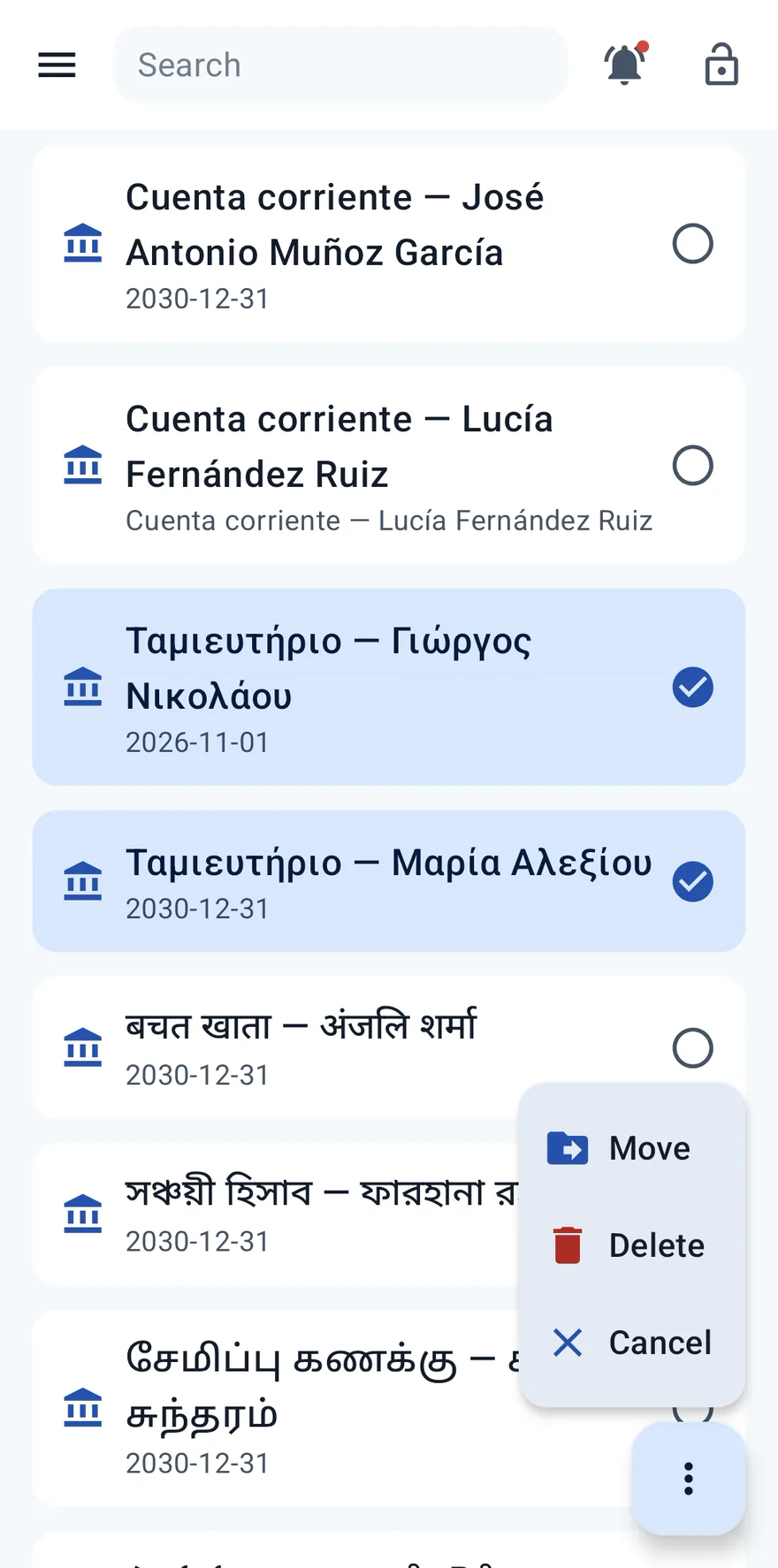
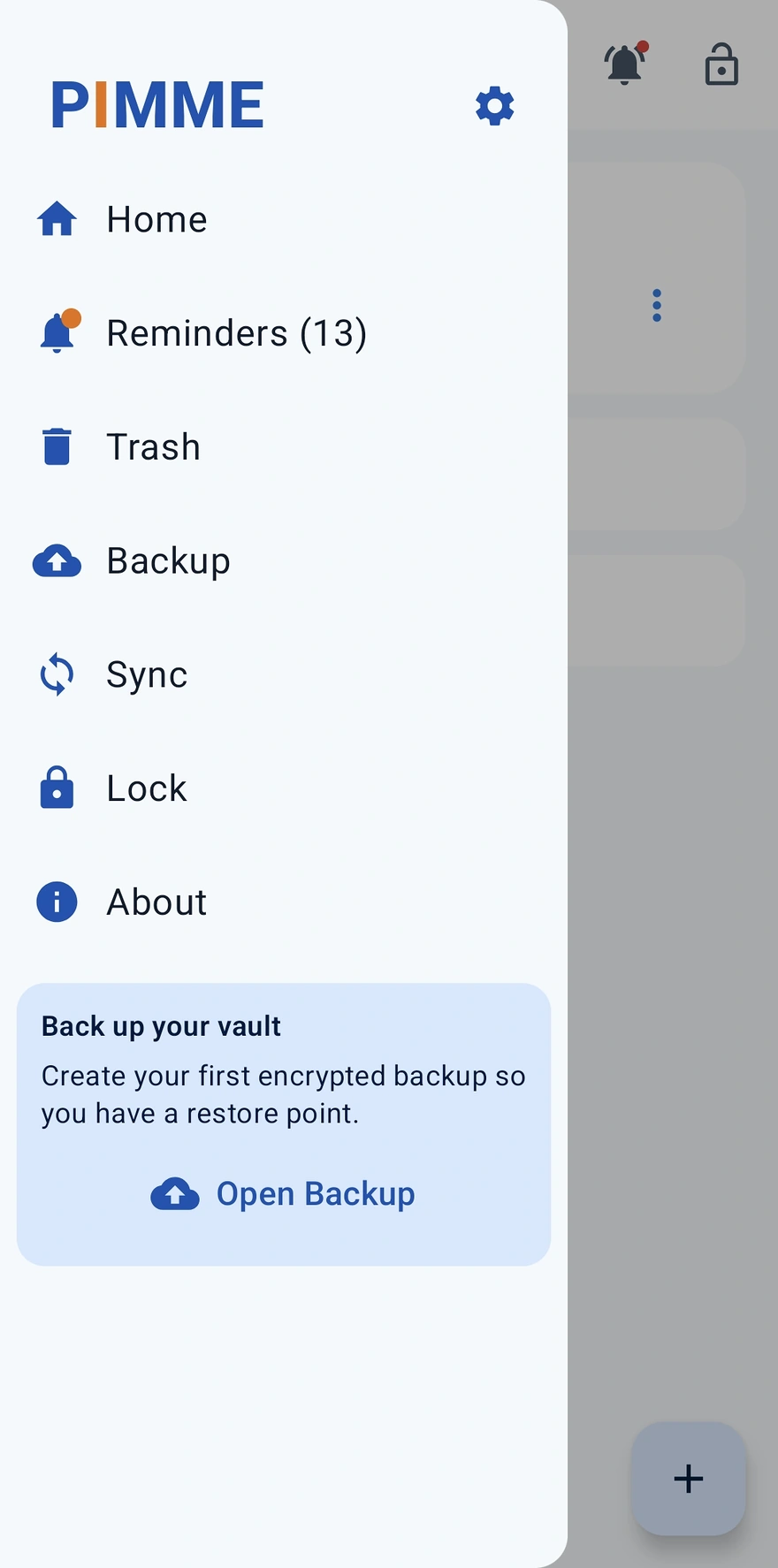
The same vault on Android and Windows: folders, items, and security settings.
Android
Windows
Vault with folders, search, and a prompt to select an item.
Choose from 14 item types and folders.
Open an item to see its details and links.
Reminders for due dates, expirations, and renewals.
Pair & sync with multiple Android devices.
Edit a bank card’s number, dates, and details.
Features
Everything you need for a private vault, without the clutter.
Private by default
Data stays on device. No accounts, no tracking, no forced cloud sync. Use Pin, password or biometrics.
Fast organization
Notes, contacts, folders, cards, and passwords live together with simple, stable navigation.
Backup-friendly
Encrypted backups and restores keep your vault portable without exposing the contents.
Decoy Vault
A separate decoy vault gives you plausible deniability when you need it.
Auto lockout
Automatically locks the vault after inactivity so sensitive data doesn’t stay open.
Device sync
Keep your vaults in sync between Windows and multiple Android devices over your local Wi-Fi.
Message from the founder
Built to keep private things private.
PIMME started with a simple idea: sensitive personal data should stay on your device, feel easy to use, and never demand trust in a cloud service just to stay safe.
I wanted a vault that feels calm, fast, and obvious about what it’s doing; with offline storage, encrypted backups, and a decoy vault for that extra peace of mind.
Johnny K.

Pricing
Simple one-time purchase.
PIMME for Android
Version 1.2.14
€12.99
One-time unlock after a 30-day trial.
No subscription. 100% offline.
 Get PIMME for Android
PIMME for Windows
Version 1.4.13
€49.99
One-time payment, no subscription.
Lifetime access on Windows. 30 days free trial.
 Download for free
Why people use it
A private vault that feels calm, not complicated.
PIMME is designed around quick access, clear feedback, and a premium UI that stays out of your way. It’s a practical place to store important personal data on Android and Windows while staying 100% offline and encrypted.
OfflineNo cloud required
EncryptedAES-256-GCM at rest
LocalSyncs with Windows
DecoyPlausible deniability
FAQ
Questions people ask before installing.
Does PIMME upload my data?
No. PIMME is 100% offline and encrypted by default. Optionally, you can sync your data locally over your Wi-Fi to the Windows app.
What can I store in PIMME?
Notes, passwords, bank cards, bank accounts, contacts, identity documents, medical records, vehicles, Wi‑Fi networks, memberships, software licenses, API keys, and crypto keys.
Can I unlock my vault with a fingerprint or face recognition?
Yes. On Android, PIMME supports fingerprint and face recognition unlock on compatible devices.
How many vaults can I have?
On Windows you can have unlimited vaults and switch between them. Vaults are portable files that can be saved anywhere. On Android only one vault is active at a time, but you can back up and restore vaults, including ones created on Windows, and the other way around.
Can I export my information if I decide to stop using PIMME?
Yes. PIMME supports CSV export and import, so you can take your information with you.
What is the refund policy?
Android is free to install, with a 30-day full trial, then a one-time Google Play unlock. After the trial the vault is read-only and can still be exported. Refunds for that unlock are handled by Google. Windows has a 30-day trial. Contact support from the app or the website if you need help.
How can I contact the team?
Email [email protected] and we’ll get back to you.